
DevOps
Module 3 Lesson 5: Job Control (Rules)
Smart pipelines. Learn how to use 'rules' to decide when a job should run, when it should be manual, and when it should stay hidden.
Read Article →
Smart pipelines. Learn how to use 'rules' to decide when a job should run, when it should be manual, and when it should stay hidden.
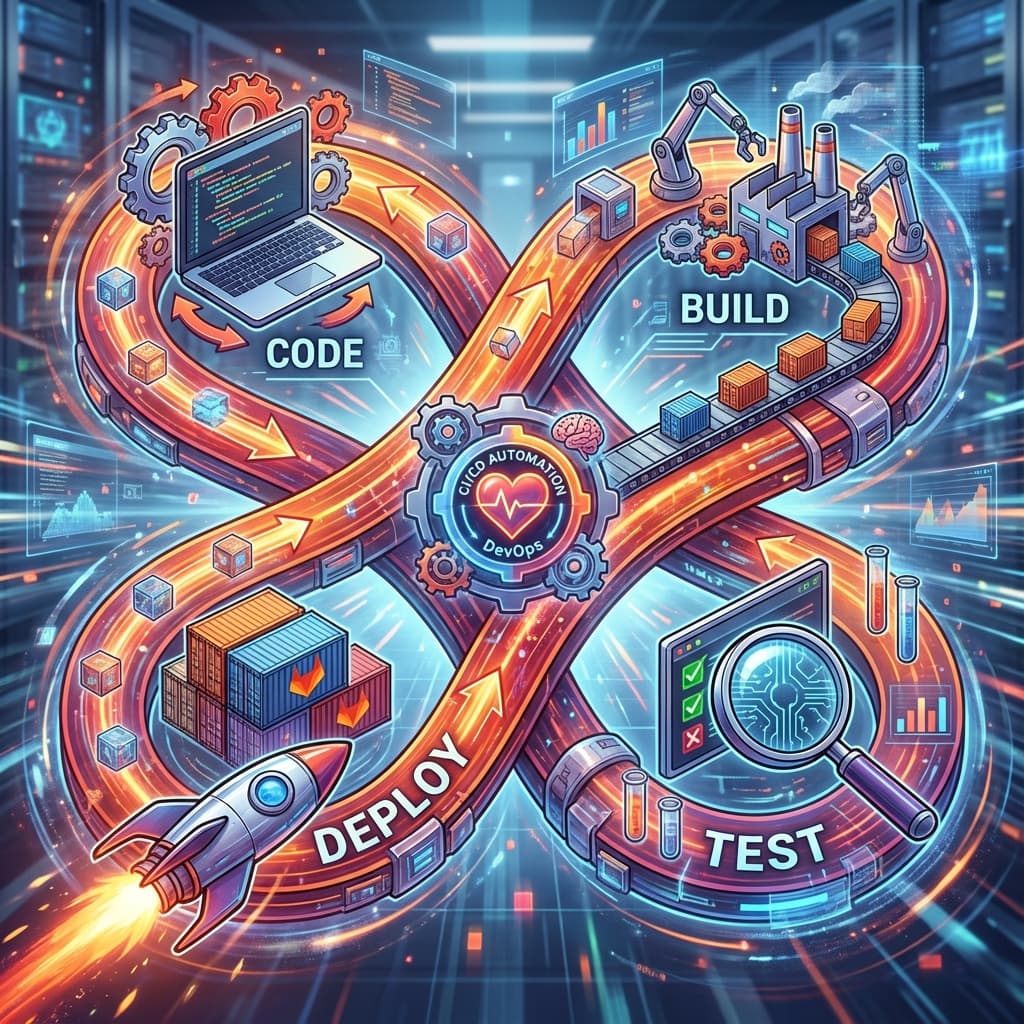
Connect the dots. Learn how to trigger pipelines in other projects, creating a cross-service automation workflow for complex microservice architectures.
Solve YAML bloat. Learn how to split a massive configuration into smaller, dynamic 'Child' pipelines that only run when needed, keeping your CI fast and readable.
Break the stage barrier. Learn how to use 'needs' to create a Directed Acyclic Graph (DAG), allowing fast jobs to skip ahead without waiting for slow, unrelated tasks.
Automation beyond Git. Learn how to trigger GitLab pipelines using HTTP requests, custom tokens, and external services like Webhooks or IoT devices.
Handle the scale. Learn how to optimize GitLab CI/CD for environments with hundreds of runners, thousands of developers, and massive data throughput.
The first line of defense. Learn how to integrate unit tests into your GitLab pipeline, use test reports, and visualize your code coverage.
Do they play well together? Learn how to use GitLab 'Services' to spin up temporary databases and caches (like Redis or Postgres) during your integration tests.

End the bike-shedding. Automate your code style enforcement and static analysis to ensure every developer's code looks like it was written by one person.
Found the bugs before hackers do. Learn how to integrate Static (SAST) and Dynamic (DAST) security testing into your GitLab pipeline to protect your user data.
The point of no return. Learn how to set 'Quality Gates' that prevent poor code from ever reaching the main branch or the customer.
Cross the finish line. Learn the fundamentals of push-button and fully automated deployments to servers, clouds, and clusters.
The safety net. Learn how to manage multi-tier environments in GitLab to ensure that code is tested in a 'Real' world scenario before it hits your paying customers.
Zero downtime mastery. Explore the advanced deployment patterns used by world-class engineering teams to ship code with zero interruptions to the user.
Separate deployment from release. Learn how to use Feature Flags to toggle functionality on and off in your live application without redeploying your code.
The emergency exits. Learn how to perform instant rollbacks when a deployment goes wrong and how to automate recovery using GitLab's built-in tools.

The chicken and the egg. Learn how to run Docker commands inside a Docker container to build your application images within a GitLab pipeline.
The full lifecycle. Learn how to log in to Docker Hub or AWS ECR and push your built images so they can be used by your production servers.
Everything in one place. Learn how to use GitLab's built-in container registry to store your images without needing external accounts or complicated login scripts.
Master the cloud. Learn how to connect your GitLab project to a Kubernetes cluster and use the 'GitLab Agent' to automate secure deployments to K8s.
Faster, Safer, Better. Learn how to use Google's Kaniko to build container images without root privileges or a Docker daemon, solving the performance issues of DinD.
Stay informed. Learn how to configure GitLab's built-in notification system to alert your team via email, webhooks, or the UI whenever a pipeline fails.
ChatOps in action. Learn how to connect GitLab to your team's chat platform to get real-time alerts and even trigger deployments directly from a chat channel.
Data-driven DevOps. Learn how to use GitLab's built-in analytic dashboards to track your DORA metrics, find bottlenecking jobs, and improve your delivery speed.

Is it still up? Learn how to use GitLab's Environment Health checks to monitor your live site and trigger alerts if a deployment causes a latency spike.

Act phase. Learn how to manage the security findings from your scans and setup alerts so that 'Critical' vulnerabilities are dealt with immediately.
The triage process. Learn the professional workflow for identifying, dismissing, or resolving security vulnerabilities within the GitLab ecosystem.
Know your supply chain. Learn how to scan your third-party libraries for vulnerabilities and legal risks before they enter your production environment.
Enforce the rules. Learn how to use GitLab's 'Compliance Frameworks' to force specific security scans on every project in your company, with no exceptions.
Who, what, and when. Master GitLab's Identity and Access Management (IAM) and Audit logs to ensure only the right people can trigger deployments.
Protect the muscle. Learn how to secure your private GitLab Runners to prevent container breakout and ensure your secrets stay on your hardware.

Enter the world of low-code. Learn what n8n is, how it differs from Zapier, and why it's the preferred choice for engineers who want total control over their data.
Choose your path. Compare n8n Cloud to the various self-hosted options (Desktop, Docker, npm) to find the best setup for your needs and budget.
The engine under the hood. Discover the powerful features that make n8n different, from its massive node library to its advanced data mapping and branching logic.
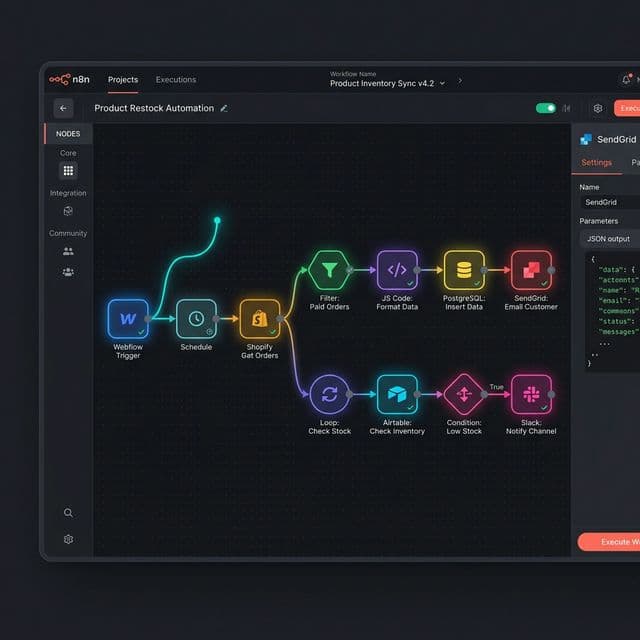
Learn your way around the canvas. Master the n8n interface, the sidebar, the execution logs, and exactly what happens inside a single 'Node'.
What should you automate first? Explore high-impact automation patterns used by businesses to save hundreds of hours every month.

The intelligent workflow. Learn how n8n uses LangChain to connect AI models to your data, enabling 'Smart' automations that can read, think, and decide.
Connecting the brains. Learn how to setup your credentials for the world's most powerful AI models and how to choose the right model for your specific task.

Chat with your data. Learn how to build a Retrieval-Augmented Generation (RAG) system that allows an AI to answer questions using your company's private PDF or Google Doc files.

From mess to structure. Learn how to use AI to summarize long meetings or emails and, more importantly, how to extract structured JSON from unstructured text.
The autonomous assistant. Learn how to build 'Agents' that can decide which tools to use to solve a user's request, from searching the web to updating your CRM.
Divide and protect. Learn how to manage teams within n8n, assigning different roles and permissions to ensure that everyone has the access they need, but no more.
Protect your entry points. Learn how to prevent unauthorized people from triggering your workflows by adding Basic Auth, Header Auth, and IP filtering to your n8n webhooks.
DNA level security. Learn the critical environment variables that control n8n's encryption, session management, and external command blocking.
Who did what? Learn how to use n8n's execution history and audit logs to track credential usage, data flow, and potential security incidents.
Rules of the road. Learn how to build n8n workflows that comply with GDPR, HIPAA, and other privacy regulations by minimizing data storage and anonymizing sensitive info.
The Blueprint. Plan your final n8n project: 'Nexus-One', an automated business assistant that handles leads, customer support, and social media reporting.

Hands-on implementation. Build the first module of Nexus-One: A high-performance lead capture system with deduplication and HubSpot integration.
Adding intelligence. Build the second module of Nexus-One: An AI-powered email listener that summarizes support tickets and categorizes their urgency.
Hardening the system. Build the final reporting module of Nexus-One and implement global error handling to ensure your assistant never misses a beat.