
DevOps
Module 6 Lesson 4: Docker Healthchecks
Is your app actually alive? Learn how to define HEALTHCHECK instructions in your Dockerfile so your orchestrator can detect and fix 'Zombie' containers.
Read Article →
Is your app actually alive? Learn how to define HEALTHCHECK instructions in your Dockerfile so your orchestrator can detect and fix 'Zombie' containers.

Dry out your YAML. Learn how to use anchors, aliases, and extension fields to avoid repeating the same configuration across multiple services.

Demystify the startup instructions. Learn the subtle but important difference between setting a default command and creating an 'Executable' container.

Master the environment split. Learn how to use multiple Compose files to handle development, staging, and production differences without repeating code.

Fortify your containers. Explore the 'Top 10' security practices for hardening Docker images and runtimes against modern threats.

Break the 'Root' habit. Learn why running containers as the administrator is the biggest risk in Docker and how to implement a secure USER instruction.

Detect the invisible threats. Learn how to use static and dynamic scanning tools to find 'Common Vulnerabilities and Exposures' (CVEs) in your base images and libraries.
Protect your crown jewels. Learn the technical difference between environment variables and Docker Secrets, and why one is a security risk for production databases.

End the 'Onboarding' nightmare. Learn how to use Docker to ensure every developer on your team has the exact same versions of Node, Python, and Databases from Day 1.

Master the local dev stack. Learn how to use Docker Compose to manage dependencies like databases and caches alongside your application code.

Stop rebuilding images. Learn how to use Bind Mounts to link your host source code to your container, enabling 'Instant Feedback' as you type.

See what's happening inside. Learn how to use 'exec', logs, and remote debuggers to troubleshoot applications running inside Docker containers.
The right tool for the right job. Learn how to maintain separate Docker configurations for development (speed and debugging) and production (security and size).
Master the data layer of Docker. Explore the different volume drivers and types, and learn how to choose the right storage strategy for your application's data.
Meet the daemonless alternative. Explore Podman, the open-source container engine designed for security, rootless execution, and Kubernetes compatibility.

Master the naming conventions of storage. Learn when to use descriptive named volumes and when to let Docker manage anonymous storage for temporary tasks.
Master the security of the future. Learn how to run containers as a standard user without sudo or root privileges, and understand the trade-offs of rootless execution.
Master the administrative side of storage. Learn how to locate your data on the host machine, audit usage, and clean up abandoned storage volumes.
Think like Kubernetes. Learn how to use Podman to group related containers into 'Pods', allowing them to share resources and network namespaces like a production cluster.

Data without borders. Explore how volume plugins allow your containers to store data directly on AWS S3, Azure Files, or Google Cloud Storage for maximum portability.

Protect your data against disasters. Learn the standard patterns for backing up Docker volumes and how to perform a full system recovery from scratch.

Master the fundamental concepts of Continuous Integration and Continuous Delivery. Learn why automation is the heartbeat of modern software engineering.

How we got here. Trace the history of software delivery from Waterfall and physical servers to the 'DevOps' movement and the rise of Git-centric automation.
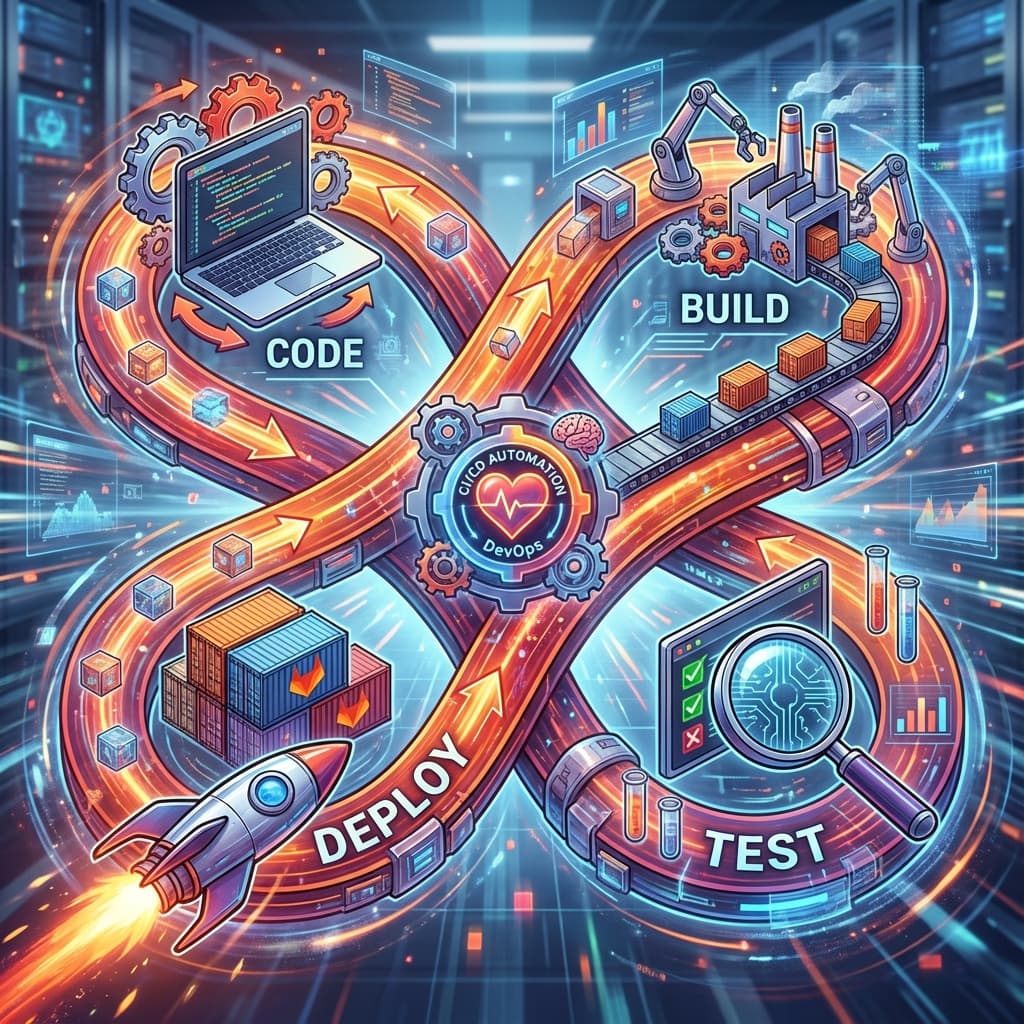
The business case for DevOps. Explore how automated delivery improves code quality, developer happiness, and the bottom line of modern companies.
Demystify the acronyms. Learn the subtle differences between Continuous Integration, Testing, Delivery, Deployment, and Policy.
The all-in-one platform. Explore the breadth of GitLab's built-in tools, from Runners and Registries to Security Dashboards and Kubernetes integration.
Stop the copy-paste. Learn how to use GitLab CI/CD templates to share common jobs across 100 different projects, ensuring consistency and ease of maintenance.

Divide and conquer. Learn the architectural patterns of splitting your pipeline into independent, testable modules that are easy for different teams to maintain.

Precision in configuration. Learn the professional standards for naming your CI/CD variables and how to use 'Scoping' to prevent production secrets from leaking into dev builds.
The 'Anti-Fragile' pipeline. Learn how to write CI/CD scripts that can handle network failures, registry timeouts, and flaky tests without completely stopping your company's delivery engine.
Leave a map. Learn how to document your CI/CD pipelines so that your teammates can maintain them, troubleshoot failures, and onboard new projects without your constant help.
From code to cloud. A deep dive into a professional-grade GitLab pipeline for a React/Node.js application, including build, test, and container deployment.
Model management at scale. Explore how a data science team uses GitLab CI/CD to build, test, and deploy a Python microservice with GPU support and automated model versioning.
Modernizing the old. A step-by-step case study of taking a manual, high-risk PHP/MySQL application and transforming it into a fully automated containerized pipeline.

Mission critical. Analyze the multi-layered security and compliance pipeline of a national bank, featuring air-gapped runners and mandatory manual approvals.
Master the massive. Explore the orchestration of a 100-service monorepo using Parent/Child pipelines, dynamic generation, and advanced caching to keep a large team synchronized.
The big picture. Define the requirements, architecture, and technology stack for your final Enterprise CI/CD project: 'GlobalHealth Connect'.
From theory to YAML. Construct the core logic of the GlobalHealth Connect pipeline, focusing on image building, caching, and cross-stage artifacts.
Fortify the health system. Implement automated security scans, secret detection, and code coverage requirements for the GlobalHealth Connect platform.
The final stretch. Implement automated delivery to Staging and a manual-trigger, rolling update deployment to the Production environment for GlobalHealth Connect.
Mission accomplished. Review the key takeaways from the GitLab CI/CD course and explore the next steps for your career, including the GitLab Certified Associate path.
The muscle behind the code. Learn how GitLab Runners execute your jobs, and the critical difference between using GitLab's cloud runners and hosting your own.

Master the syntax of automation. Learn the basic anatomy of a GitLab CI configuration file, including global settings, job definitions, and hidden keys.
The workflow triplet. Learn how to group jobs into stages to control their execution order and write effective scripts for your automated tasks.
Master the nuances of YAML. Explore anchors, aliases, and multi-line strings to create cleaner, more maintainable pipeline configurations.
Fail fast. Learn how to use GitLab's built-in tools to validate your YAML syntax and visualize your pipeline before you commit your code.
Your first automated build. Follow a step-by-step guide to creating, committing, and running your very first GitLab CI/CD pipeline.
Protect your secrets. Learn how to use GitLab variables to store database passwords and API keys securely, and how to define different 'Environments' for Staging and Production.
Save your work. Learn how to use 'Artifacts' to pass files between stages (e.g., from Build to Test) and how to download them for manual review.
Stop waiting for 'npm install'. Learn the difference between Artifacts and Caching, and how to use Cache to speed up your pipeline by 500%.