Sheets Canvas Turns Google’s Spreadsheet Into a Prototype App
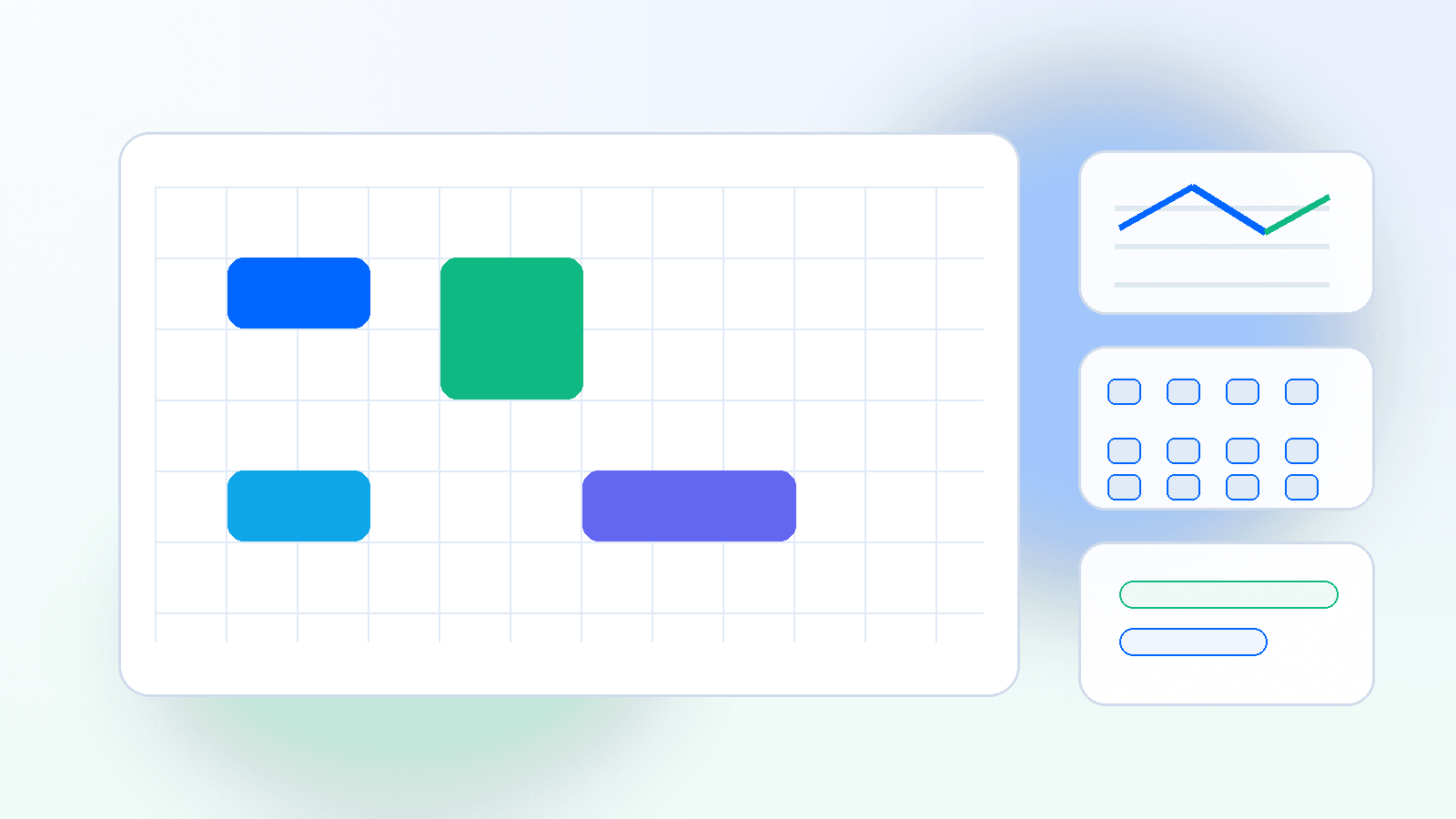
Google Sheets canvas uses Gemini to turn rows and columns into interactive mini-apps, which pushes the spreadsheet closer to the center of AI-native work software.
For decades, the spreadsheet has survived every attempt to replace it because it is the easiest place to begin and the hardest place to outgrow.
Google Sheets canvas is a new sign that the company understands that truth better than many of its competitors. Instead of asking users to abandon spreadsheets for a separate dashboard product, Google is using Gemini to turn Sheets itself into a read-write workspace that can become an interactive mini-app. In Google’s own framing, a user can prompt the system to create dashboards, study trackers, seating charts, and other custom layouts from the same data already living in the sheet.
That matters because the spreadsheet is not just a file format. It is an organizational habit. It is where small teams model budgets, where operations teams track workflows, where students organize projects, and where managers assemble enough structure to make a mess look actionable. Google is not trying to kill that habit. It is trying to upgrade it without making people relearn the workflow.
The spreadsheet is becoming a runtime
The best way to understand Sheets canvas is as a thin application layer sitting on top of the data, not a decorative rewrite. Google says the canvas remains synced with the original spreadsheet, which means the user is not exporting data into a separate no-code app and then hoping the copies stay aligned. The source of truth remains the sheet. The canvas is the presentation and interaction layer.
That is a subtle but important architectural choice. Many low-code tools win the demo and lose the maintenance battle because the app becomes detached from the data store. Google is betting that the spreadsheet already owns the data relationship, so the company can keep the trust boundary intact while adding a more visual interaction pattern.
The product also fits Google’s broader AI strategy. Gemini is not only there to answer questions or summarize content. It is there to reduce the distance between a rough intention and a usable artifact. If a user can describe the dashboard they want and get a functional layout instantly, then the spreadsheet stops feeling like a grid and starts feeling like a lightweight app builder.
| What users do today | What Sheets canvas promises | Why it is strategic |
|---|---|---|
| Sort columns and add filters | Turn data into a visual workspace | Less friction, more retention |
| Manually build dashboards | Generate layout from a prompt | Reduces setup time |
| Export data to another tool | Keep the source of truth in Sheets | Keeps users inside Google’s stack |
| Share static spreadsheets | Share interactive views | Makes the sheet feel more alive |
This is also a competitive move against Microsoft and the startup stack
Microsoft has spent years folding AI into Excel, while startups have tried to reinvent work apps as databases, task boards, and lightweight dashboards. Google’s answer is not to claim that spreadsheets are obsolete. It is to claim that spreadsheets are still where work begins and that AI should meet people there.
That positioning is smart because it avoids a common adoption trap. People do not want to migrate all their operational logic just to try a new AI feature. They want the tool that already contains the data to become more useful. Sheets canvas does exactly that. It makes the existing spreadsheet feel less cramped without forcing a platform migration.
The move also hints at where Google sees the value in AI productivity. The company is not only chasing text generation. It is chasing task completion. A study tracker that updates itself, a seating chart that rearranges as data changes, or a team dashboard that can be reshaped by prompt all suggest the same strategy: make the file behave more like an application and less like a document.
The hidden risk is governance
The power of a prompt-driven canvas is obvious. The risk is less obvious. Once users start treating a spreadsheet as a mini-app, they may also treat it as authoritative in places where the structure came from a model, not a human. That means teams will need stronger review habits around formulas, permissions, and layout changes.
This is especially important because spreadsheets already carry a lot of informal decision making. They are often the place where budgets, schedules, and operational assumptions get stored before anybody turns them into a formal system. If the AI layer makes it easier to create a polished interface, it may also make it easier to hide weak assumptions inside a prettier workflow.
In other words, Sheets canvas can improve speed without improving judgment. That is a feature, not a bug, but it means teams need governance around when a canvas is simply a presentation layer and when it becomes a decision surface.
Why the spreadsheet still wins
The lasting advantage of the spreadsheet is that it sits at the intersection of familiarity and flexibility. People understand rows and columns. They also know that rows and columns are enough to start. Sheets canvas keeps that base intact while adding a more modern interaction model.
That is why the feature feels bigger than a product demo. It suggests that the future of workplace AI may not be a separate assistant window at all. It may be a set of embedded transformation tools inside the files people already use. The spreadsheet becomes less like a static ledger and more like a tiny operating system for ad hoc work.
The implication for buyers is straightforward. If the data already lives in Google Sheets, the company is going to try to keep the user there longer by turning the sheet into an experience instead of just a container.
flowchart LR
  A[Rows and columns] --> B[Gemini prompt]
  B --> C[Sheets canvas]
  C --> D[Interactive dashboard]
  C --> E[Study tracker]
  C --> F[Seating chart]
  C --> G[Read-write updates]
The market signal is larger than Sheets
The big story here is not that a spreadsheet can now look prettier. It is that AI is moving from answer generation into interface generation.
That changes the software stack in a useful way. Instead of forcing users to adopt a new app every time their workflow changes, the platform can now reshape the app around the workflow. If Google executes this well, the spreadsheet will keep serving as the place where small teams prototype operations before they ever justify a custom product.
That is not a small outcome. It means the humble sheet may remain one of the most important work surfaces in the AI era, not because it is elegant, but because it is adaptable.