Build a Safe First-Week Claude Code Workflow with Essential Commands
Learn the daily Claude Code commands, shortcuts, session habits, Git safeguards, and verification routine that turn a first session into a reliable workflow.
Build a Safe First-Week Claude Code Workflow with Essential Commands
Quick answer
Begin every task by checking repository state, asking Claude to explore, defining a pass/fail result, and reviewing the diff before committing. Learn claude, claude -c, claude -r, /help, /clear, /context, /permissions, and /doctor first. Treat Git as the durable history, Claude checkpoints as short-term recovery, and test output as the definition of done. See the official interactive mode reference for the current command and shortcut catalog.
The daily operating loop
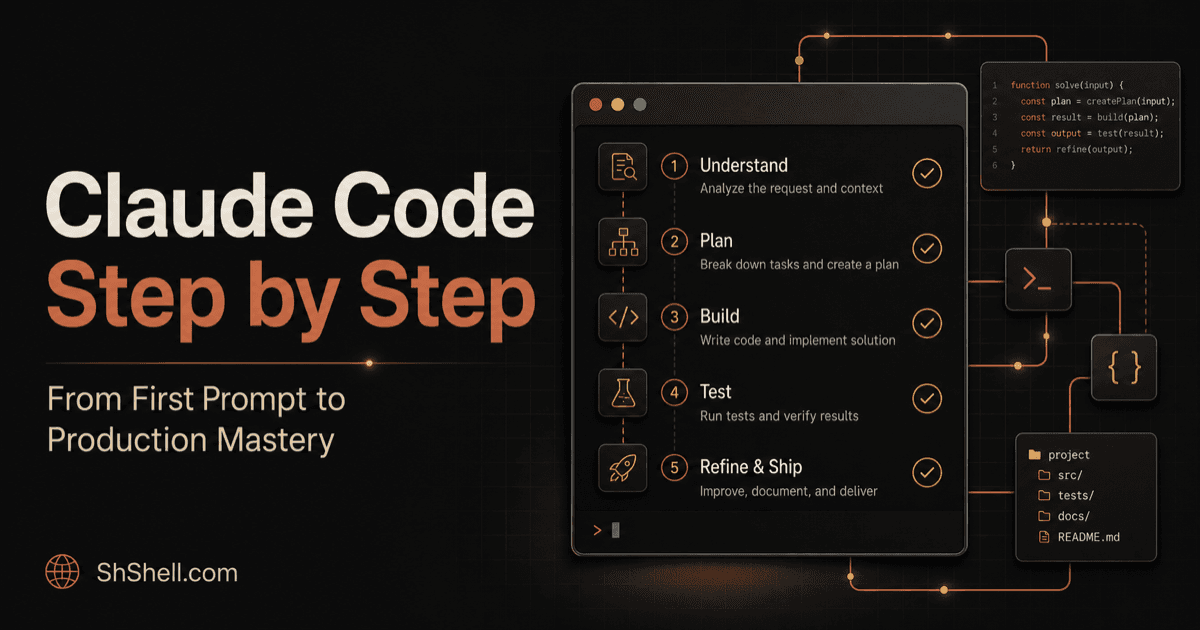
Use this six-step rhythm for almost every task:
- Orient: inspect
git status, the current branch, and repository instructions. - Explore: ask where the behavior lives and how it is tested.
- Contract: state the desired outcome, constraints, and verification.
- Implement: let Claude work, interrupting early if it heads in the wrong direction.
- Verify: run focused tests, broader checks, and visual validation when applicable.
- Review: inspect the diff for scope creep, secrets, generated noise, and missed requirements.
A strong first prompt looks like this:
Investigate why expired sessions produce a blank page. Start by reading the auth
flow and existing tests; do not edit yet. Explain the root cause with file references,
then propose the smallest fix. Acceptance: add a regression test, run the focused
suite, and show the final diff. Do not modify unrelated formatting.
Essential shell and session commands
claude                     # interactive session
claude "explain this repo" # start with a prompt
claude -p "summarize"      # print mode, then exit
claude -c                  # continue the most recent local conversation
claude -r                  # choose a conversation to resume
Inside a session, use /help to discover commands rather than memorizing a stale list. /clear gives you a clean conversation; /context explains context consumption; /permissions audits allowed, asked, and denied tools; /doctor checks configuration. Use /model when the task justifies a different capability/cost tradeoff.
Press Esc to stop work that is diverging. A correction sent while Claude is working can be incorporated after the current action. Use Shift+Tab to cycle available permission modes and deliberately enter plan mode for research-first tasks.
Protect the working tree
Before Claude edits:
git status --short
git switch -c feature/session-expiry
If the repository is already dirty, explicitly identify which changes belong to the task. Never ask an agent to “clean everything up” unless every change is disposable. After implementation:
git diff --check
git diff --stat
git diff
Claude checkpoints can rewind file edits within a session, but they are not a substitute for commits and cannot undo remote API calls, database writes, deployments, or messages.
A seven-day practice ladder
- Day 1: explain a small repository and locate one behavior.
- Day 2: write tests for an existing pure function.
- Day 3: diagnose a real failing test without editing first.
- Day 4: implement a bounded change from acceptance criteria.
- Day 5: use plan mode for a multi-file refactor.
- Day 6: review a diff for correctness, security, and maintainability.
- Day 7: repeat one task from a fresh session and compare speed, context use, and defects.
Keep a short log: task, prompt, verification, correction count, and what belonged in CLAUDE.md. This turns intuition into a repeatable method.
FAQ
When should I start a new session?
Start fresh when the goal changes, context is dominated by stale investigation, or a concise handoff is cheaper than continued compaction.
Should I let Claude commit automatically?
Only after you inspect the diff and verification evidence. Ask for a focused commit that excludes unrelated changes.
What is the biggest beginner mistake?
Requesting a broad implementation without a concrete success check. A runnable verification signal improves both autonomy and reviewability.