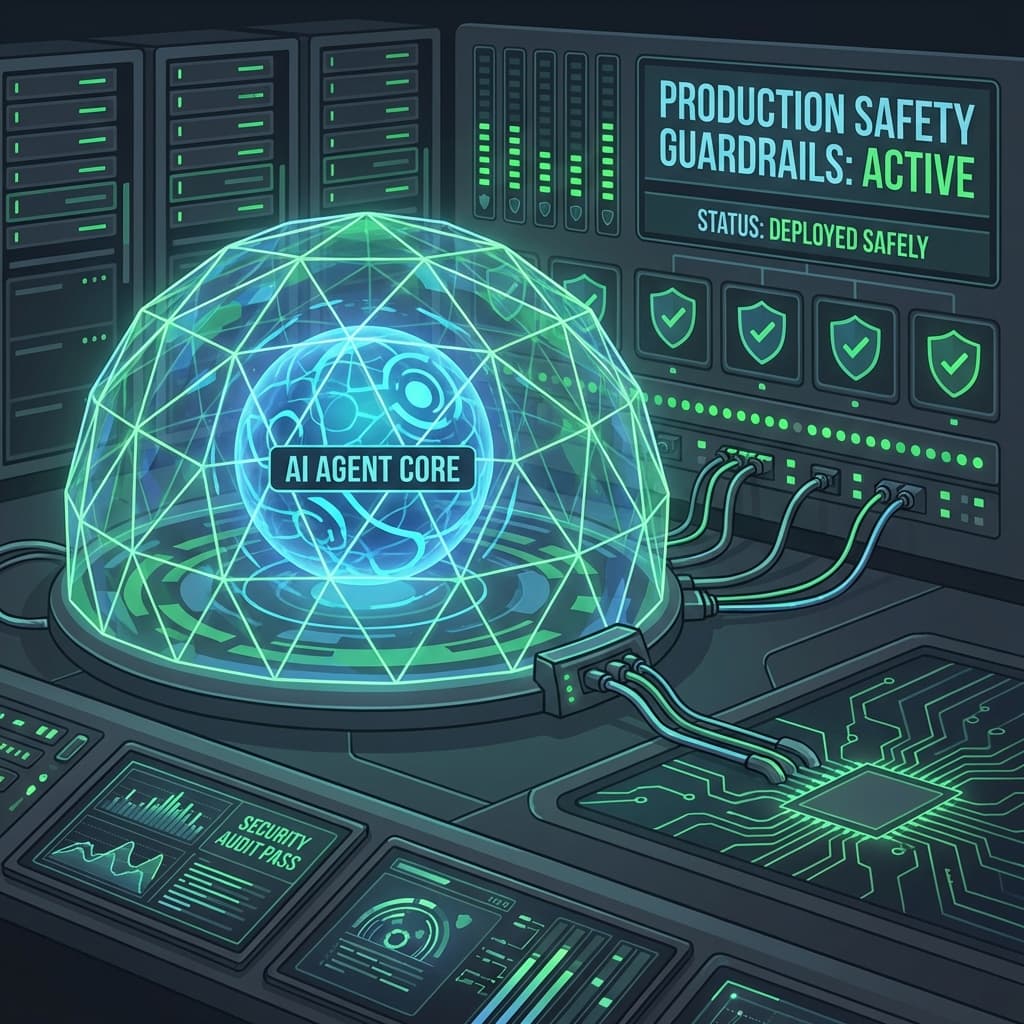
Building Your First AI Agent That Touches Production Safely
Taking your first AI agent from a prototype to a production environment is a major milestone. Learn the step-by-step process of defining tasks, designing tools, and setting the rigorous guardrails needed for safe deployment.
You’ve built a prototype. You’ve seen the "Magic." You have an AI agent that can successfully research a topic and write a summary. Now, you want to do something more ambitious. You want that agent to actually do something in your production environment.
Maybe you want it to automatically triage support tickets, update your CRM, or even deploy a small code fix.
This is where most teams freeze. The thought of an "Autonomous Agent" having write-access to your database is, frankly, terrifying. What if it hallucinates a "Delete All" command? What if it enters an infinite loop and runs up a $10,000 bill?
The good news is that we’ve been building "Autonomous Systems" in engineering for decades (think high-frequency trading or self-driving cars). We just need to apply those same rigorous engineering principles to our AI agents.
Here is the step-by-step guide to building your first production-ready AI agent without losing sleep.
Step 1: Define a "Narrow" Task
The biggest mistake is building a "General Assistant." A general assistant has a wide "Attack Surface" for mistakes.
The Production Rule: An agent should have a single, measurable goal.
- Bad Goal: "Manage my customer relationships."
- Good Goal: "Whenever a new lead signs up, find their LinkedIn profile and update the 'Bio' field in Salesforce."
By narrowing the task, you make it easier to test, easier to monitor, and much harder for the agent to wander into "Dangerous Territory."
Step 2: Designing the "Toolbox"
An agent interacts with the world through Tools (also called functions or skills). In production, you should treat your agent like a user with "Least Privilege."
The Architecture Pulse-Check:
- Read-Only Tools: Give the agent tools to search and read data freely.
- Write-Locked Tools: For any tool that changes data (like
update_db), require a specific schema. The agent should only be able to change specific fields (e.g., "Bio" or "Notes"), never sensitive fields like "Pricing" or "Role."
Step 3: Setting the Guardrails (The "Constitution")
Every agent needs a "System Prompt," but a production agent also needs a Constitution—a set of hard rules that are checked before and after the agent acts.
Example Pseudo-Flow for a "Sale Lead Agent":
- Input Guard: Does this lead’s email come from a blacklisted domain (e.g., a competitor)? If yes, stop.
- Logic Step: Agent researches the lead.
- Output Guard: Before writing to Salesforce, check:
- Is the output longer than 500 characters? (Prevents "Infinite Prompt" bugs).
- Does the output contain any profanity or prohibited language?
- Is the target Salesforce ID valid?
Step 4: The "Human-in-the-Loop" (HITL) Safety Valve
For your first production agent, Autonomy is a Spectrum, not a Switch.
Start with the "Draft & Review" pattern:
- The agent does 90% of the work.
- It places the result in a "Pending" state (e.g., a draft email or a "Waiting for Approval" ticket).
- A human clicks one button to "Execute."
Once the agent has performed perfectly for 100 consecutive tasks, you can move to "Executes by Default," where the agent acts immediately, but a human is notified and can "Undo" the action within a 60-second window.
Step 5: Logging and "Explainability"
In production, "I don't know why it did that" is an unacceptable answer. You must log every step of the agent's "Thought Process" (its Chain of Thought).
What to Log:
- The Original Prompt: What did the user ask?
- The Internal Reasoning: What steps did the agent decide to take?
- The Tool Calls: Exactly what data did it send to your API?
- The Model Version: Which specific model was used (e.g.,
gpt-4o-2024-08-05)?
This log is your "Black Box Flight Recorder." When things go wrong, you’ll use it to "Play back" the incident and fix the prompt.
Step 6: The Rollback Plan
What happens if the agent fails? Before you deploy, you need a "Kill Switch."
The Production Checklist:
- Kill Switch: A single button in your admin dashboard that disables the agent's API keys.
- Audit Trail: Every change made by an agent should be tagged with
updated_by: "AI_Agent_01". This allows you to find and revert every single action the agent ever took if you find a bug. - Rate Limits: Limit the agent to, say, 10 actions per minute. This prevents "Scale-Speed" disasters.
Conclusion: The "Stable Agent" Mindset
Building for production isn't about the "Smartest" prompt. It’s about the most "Resilient" system.
An agent that works 99% of the time but fails spectacularly 1% of the time is a failure. An agent that works 90% of the time but fails safely (by stopping and asking for help) is a success.
Start small. Set guardrails. Trust, but verify.
Your "Production-Ready" Checklist:
- Is the task narrow enough to explain in one sentence?
- Does the agent have "Least Privilege" access to your APIs?
- Are there "Input" and "Output" filters to catch hallucinations?
- Is there a human-readable log of the agent's reasoning?
- Do you have a "Kill Switch" and a "Rollback" strategy?
The "Magic" of AI is exciting. The "Reliability" of AI is what builds businesses. Go build something safe.