
DevOps
Module 4 Lesson 3: Container Networking Basics
How containers talk to each other. Explore Docker's built-in networking modes and learn how to create private networks for secure inter-container communication.
Read Article →
How containers talk to each other. Explore Docker's built-in networking modes and learn how to create private networks for secure inter-container communication.

Stop losing your data. Learn how to use Docker Volumes and Bind Mounts to ensure your databases and user uploads survive container deletions and upgrades.

Master the 12-factor app principle. Learn how to inject configuration into your containers dynamically, keeping your secrets safe and your images portable across environments.

Stop typing long commands. Discover Docker Compose, the tool that allows you to define and run entire multi-container applications with a single YAML file.

Hands-on with YAML. Learn the structure of a Compose file and build a working stack with a web server and a database in minutes.
Connecting the dots automatically. Learn how Docker Compose handles networking and persistent storage, making complex configurations simple.
Master the commands for managing multi-container stacks. Learn how to view aggregate logs, stop services safely, and rebuild images on the fly.

The capstone of the basics. Build a complete Voting App architecture with a Python worker, a Redis queue, a Postgres DB, and a Node.js results page.
Shrink your images by 90%. Learn the multi-stage build pattern to separate your 'Build Environment' (compilers, tools) from your 'Runtime Environment' (app only).
Master the timing of your stack. Learn how 'depends_on' works and how to use 'wait-for-it' scripts to ensure your app only starts after the database is truly ready.
Master the build cache. Learn how to structure your Dockerfile instructions to minimize 'Cache Invalidation' and keep your build times under 5 seconds.
More power. Learn how to use the --scale flag to run multiple instances of a service and how Docker Compose manages the load balancing internally.
Protect your secrets and speed up your builds. Learn how to use .dockerignore to keep sensitive and unnecessary files out of your Docker images.
Build a self-healing stack. Learn how to configure advanced healthchecks and restart policies directly in your Compose file to automate recovery from crashes.
Is your app actually alive? Learn how to define HEALTHCHECK instructions in your Dockerfile so your orchestrator can detect and fix 'Zombie' containers.
Dry out your YAML. Learn how to use anchors, aliases, and extension fields to avoid repeating the same configuration across multiple services.
Demystify the startup instructions. Learn the subtle but important difference between setting a default command and creating an 'Executable' container.

Master the environment split. Learn how to use multiple Compose files to handle development, staging, and production differences without repeating code.

Fortify your containers. Explore the 'Top 10' security practices for hardening Docker images and runtimes against modern threats.
Break the 'Root' habit. Learn why running containers as the administrator is the biggest risk in Docker and how to implement a secure USER instruction.

Detect the invisible threats. Learn how to use static and dynamic scanning tools to find 'Common Vulnerabilities and Exposures' (CVEs) in your base images and libraries.
Protect your crown jewels. Learn the technical difference between environment variables and Docker Secrets, and why one is a security risk for production databases.

End the 'Onboarding' nightmare. Learn how to use Docker to ensure every developer on your team has the exact same versions of Node, Python, and Databases from Day 1.

Master the local dev stack. Learn how to use Docker Compose to manage dependencies like databases and caches alongside your application code.

Stop rebuilding images. Learn how to use Bind Mounts to link your host source code to your container, enabling 'Instant Feedback' as you type.
See what's happening inside. Learn how to use 'exec', logs, and remote debuggers to troubleshoot applications running inside Docker containers.
The right tool for the right job. Learn how to maintain separate Docker configurations for development (speed and debugging) and production (security and size).
Master the data layer of Docker. Explore the different volume drivers and types, and learn how to choose the right storage strategy for your application's data.
Meet the daemonless alternative. Explore Podman, the open-source container engine designed for security, rootless execution, and Kubernetes compatibility.
Master the naming conventions of storage. Learn when to use descriptive named volumes and when to let Docker manage anonymous storage for temporary tasks.
Master the security of the future. Learn how to run containers as a standard user without sudo or root privileges, and understand the trade-offs of rootless execution.
Master the administrative side of storage. Learn how to locate your data on the host machine, audit usage, and clean up abandoned storage volumes.
Think like Kubernetes. Learn how to use Podman to group related containers into 'Pods', allowing them to share resources and network namespaces like a production cluster.

Data without borders. Explore how volume plugins allow your containers to store data directly on AWS S3, Azure Files, or Google Cloud Storage for maximum portability.

Protect your data against disasters. Learn the standard patterns for backing up Docker volumes and how to perform a full system recovery from scratch.

Master the fundamental concepts of Continuous Integration and Continuous Delivery. Learn why automation is the heartbeat of modern software engineering.

How we got here. Trace the history of software delivery from Waterfall and physical servers to the 'DevOps' movement and the rise of Git-centric automation.
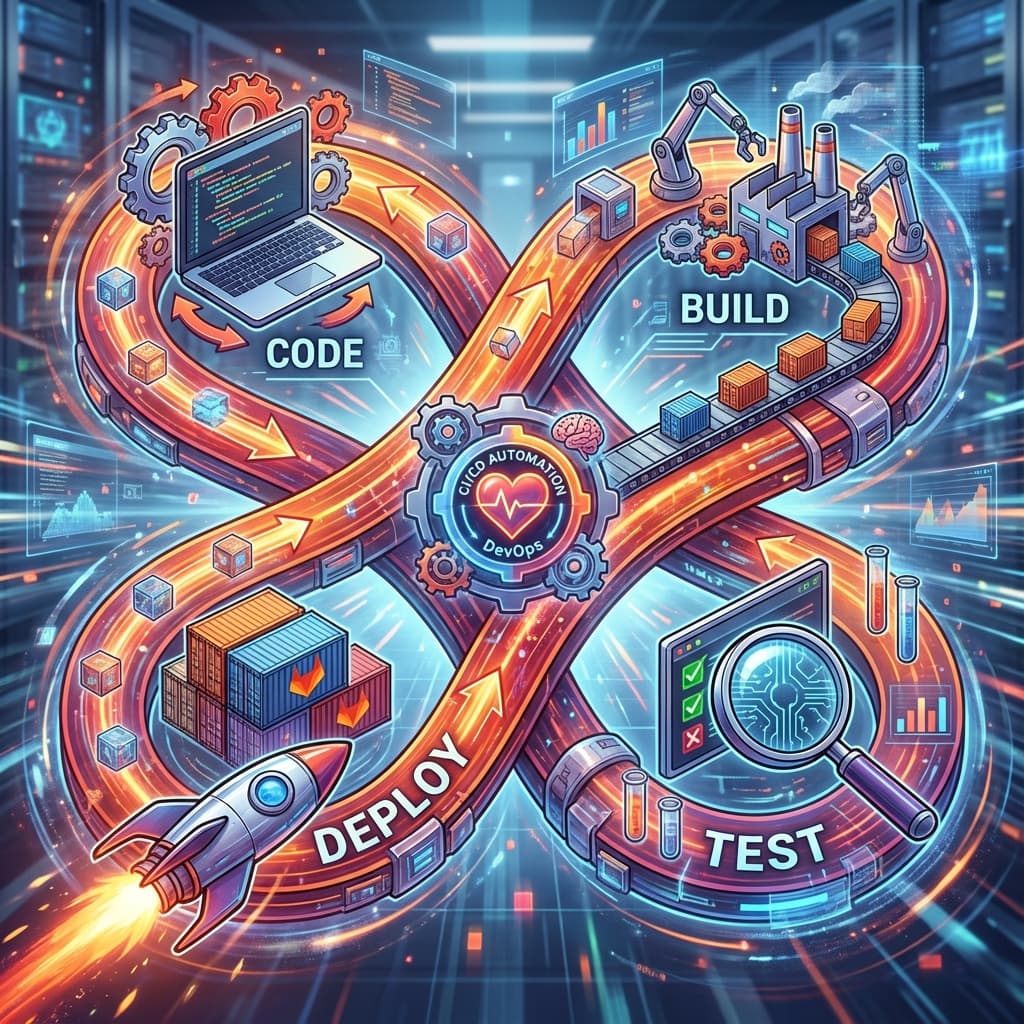
The business case for DevOps. Explore how automated delivery improves code quality, developer happiness, and the bottom line of modern companies.
Demystify the acronyms. Learn the subtle differences between Continuous Integration, Testing, Delivery, Deployment, and Policy.
The all-in-one platform. Explore the breadth of GitLab's built-in tools, from Runners and Registries to Security Dashboards and Kubernetes integration.
Stop the copy-paste. Learn how to use GitLab CI/CD templates to share common jobs across 100 different projects, ensuring consistency and ease of maintenance.

Divide and conquer. Learn the architectural patterns of splitting your pipeline into independent, testable modules that are easy for different teams to maintain.

Precision in configuration. Learn the professional standards for naming your CI/CD variables and how to use 'Scoping' to prevent production secrets from leaking into dev builds.
The 'Anti-Fragile' pipeline. Learn how to write CI/CD scripts that can handle network failures, registry timeouts, and flaky tests without completely stopping your company's delivery engine.
Leave a map. Learn how to document your CI/CD pipelines so that your teammates can maintain them, troubleshoot failures, and onboard new projects without your constant help.
From code to cloud. A deep dive into a professional-grade GitLab pipeline for a React/Node.js application, including build, test, and container deployment.
Model management at scale. Explore how a data science team uses GitLab CI/CD to build, test, and deploy a Python microservice with GPU support and automated model versioning.
Modernizing the old. A step-by-step case study of taking a manual, high-risk PHP/MySQL application and transforming it into a fully automated containerized pipeline.

Mission critical. Analyze the multi-layered security and compliance pipeline of a national bank, featuring air-gapped runners and mandatory manual approvals.
Master the massive. Explore the orchestration of a 100-service monorepo using Parent/Child pipelines, dynamic generation, and advanced caching to keep a large team synchronized.