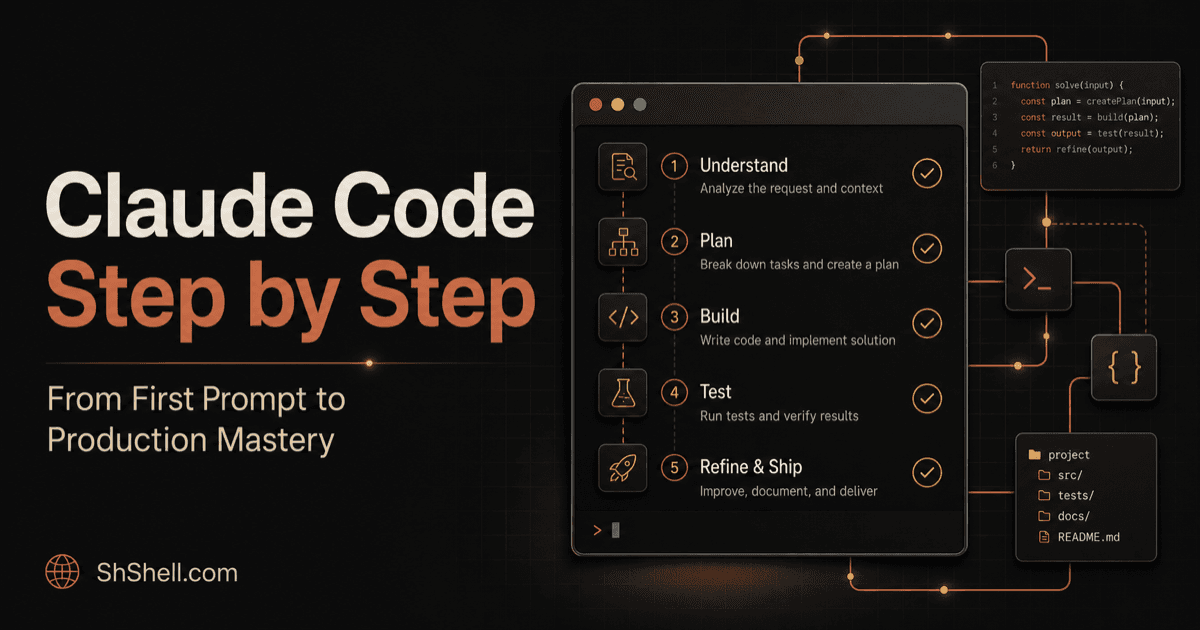
Master Claude Code Hook Events, Matchers, Inputs, Outputs, and Exit Codes
Understand Claude Code hook lifecycle events, canonical tool matchers, JSON input and output, exit behavior, timeouts, and reliable debugging.
Master Claude Code Hook Events, Matchers, Inputs, Outputs, and Exit Codes
Quick answer
Hooks run deterministic automation at defined Claude Code lifecycle events. Choose the narrowest event and matcher, parse JSON input rather than scraping text, return the documented decision format, keep commands fast and idempotent, and test allow/block/error paths outside a real task. Use PreToolUse for gates, PostToolUse for validation or formatting, Stop for completion checks, and session events for setup or cleanup. The exhaustive contract lives in Anthropic's hooks reference.
Choose an event by control point
Common categories include session start/end, user prompt submission, before/after tool use, tool failure, subagent lifecycle, compaction, notifications, and stop. Exact event availability evolves, so check the reference before shipping.
- Gate a dangerous command before execution.
- Format a file after an edit.
- Reject completion when a required check is missing at stop.
- Load environment metadata at session start.
- Record an audit entry after a relevant action, without leaking tool payload secrets.
Do not use a broad prompt hook when a specific tool event exposes structured input.
Match canonical names
Matchers select tool or event categories. Use canonical tool names from the current tools reference; UI labels may differ. Plugin-bundled MCP tools use namespaced identifiers, so a matcher for a manually configured server may not match the plugin form. Test the actual input with verbose/debug tooling rather than guessing.
Illustrative configuration:
{
  "hooks": {
    "PostToolUse": [
      {
        "matcher": "Edit|Write",
        "hooks": [
          {
            "type": "command",
            "command": "$CLAUDE_PROJECT_DIR/.claude/hooks/format-changed-file.sh",
            "timeout": 30
          }
        ]
      }
    ]
  }
}
Treat this as a shape example and validate fields against the installed version.
Parse structured input safely
Command hooks receive structured data on standard input. Use a real JSON parser, validate fields, and handle missing or unexpected values. Quote file paths. Reject path traversal and do not evaluate strings as shell. Send human diagnostics to the appropriate stream and machine decisions in the required JSON format.
Exit codes and JSON decisions can have event-specific meanings. A nonzero exit is not universally equivalent to “block,” and an invalid JSON response may fail open or surface an error depending on the event. Follow the reference exactly.
Engineer for reliability
Hooks execute in the critical path. Make them:
- bounded by timeouts;
- idempotent;
- quiet on success;
- explicit on failure;
- independent of interactive input;
- free of uncontrolled network calls;
- protected from recursive edits;
- portable across supported shells or clearly platform-limited.
Log sanitized event IDs and outcomes, not entire prompts, files, or secrets.
Test a hook as a program
Build fixtures for a matching event, non-matching event, missing field, hostile path, formatter failure, timeout, and repeated invocation. Pipe fixture JSON into the command and assert exit code, stdout, stderr, changed files, and execution time. Then run one integration test in Claude Code with a disposable repository.
FAQ
Are hooks better than skills?
Hooks are deterministic lifecycle automation; skills are model-guided workflows. They solve different problems and often complement each other.
Can a hook grant permissions?
Hooks can participate in decisions for supported events, but should be combined with the documented permission system and sandbox controls.
Why did my hook not run?
Check event spelling, matcher canonical name, settings scope, executable permissions, path resolution, plugin namespace, and debug output.